

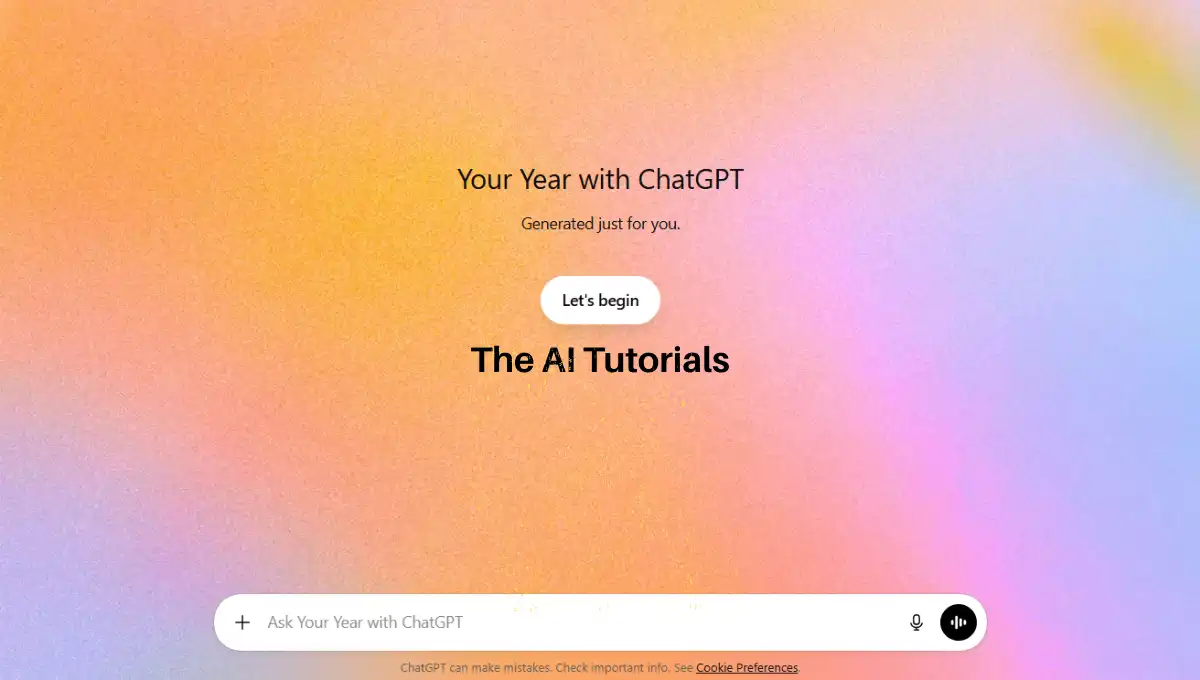
ChatGPT has launched a new feature called Year Recap.
This feature shows a summary of how you used ChatGPT throughout the year.
It tells you about your chats, activity, and other interesting details in a simple and fun way.
With this recap, you can see your most active days, total messages, and even creative results like poems or visuals.
In this guide, I will explain how you can get your own ChatGPT Year Recap easily.
Key Takeaways:
- You need to update your free account to ChatGPT Go in order to avail this feature.
- If you are using a smartphone, then install or update ChatGPT’s app to latest version. Yet, you have to upgrade the free plan to ChatGPT Go.
- ChatGPT itself will show a banner at the bottom side to start the year recap process. If you don’t see it, you can just prompt it with it and it will trigger it.
- Year recap process can take up to an hour according to your chats and overall data. So you can do any other work in the meantime.
Step by Step Tutorial:
1. First we will got to ChatGPT’s website HERE. Once you are on there, make sure your model is updated to ChatGPT 5.2. So if you don’t have it yet, read here how can you get 18 months of ChatGPT Go for free. Because the feature of “Year Recap” only accessible to Pro and Go users.
● How to Make Trending Your-Own AI Mini Replica Video? Step by Step Tutorial
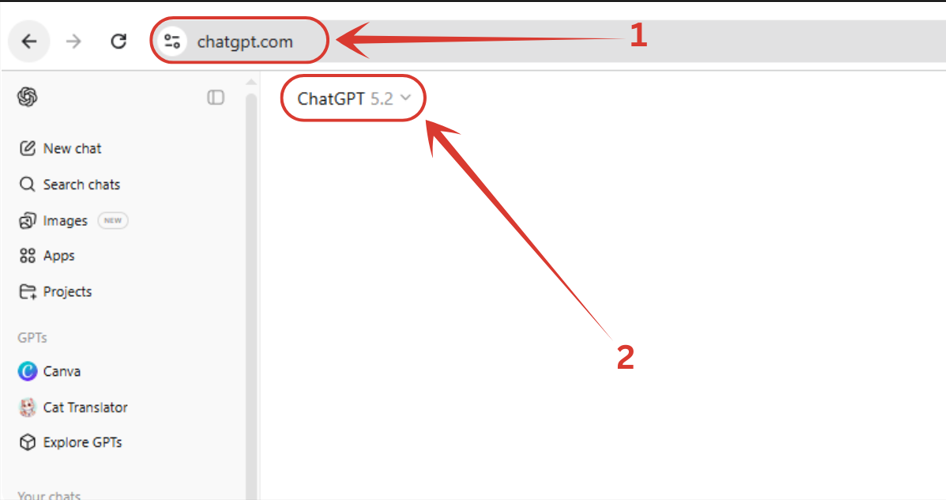
2. Here it is, in the bottom area, as you can see in the image below.
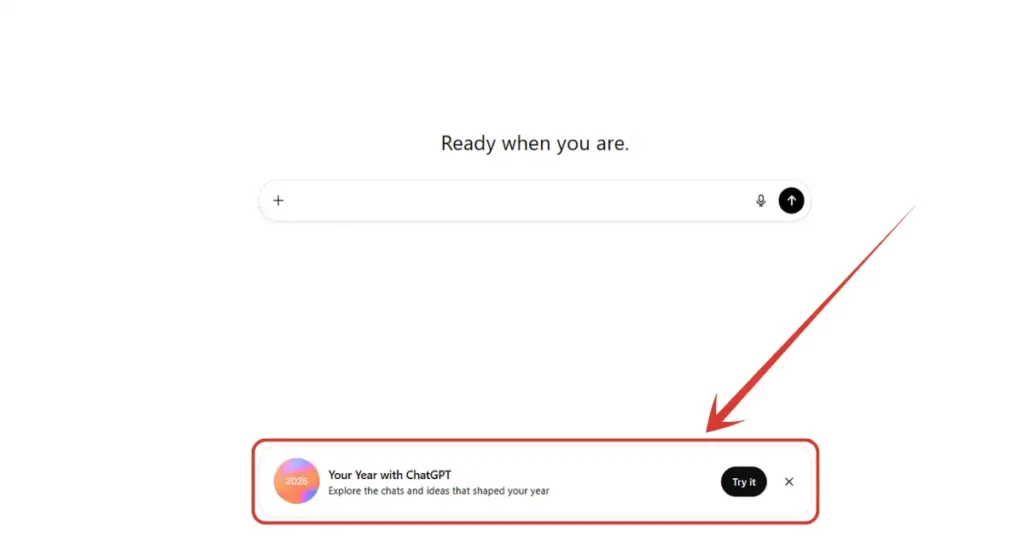
3. You just need to click on “Try it” button and you will be on your way to generate your year recap.
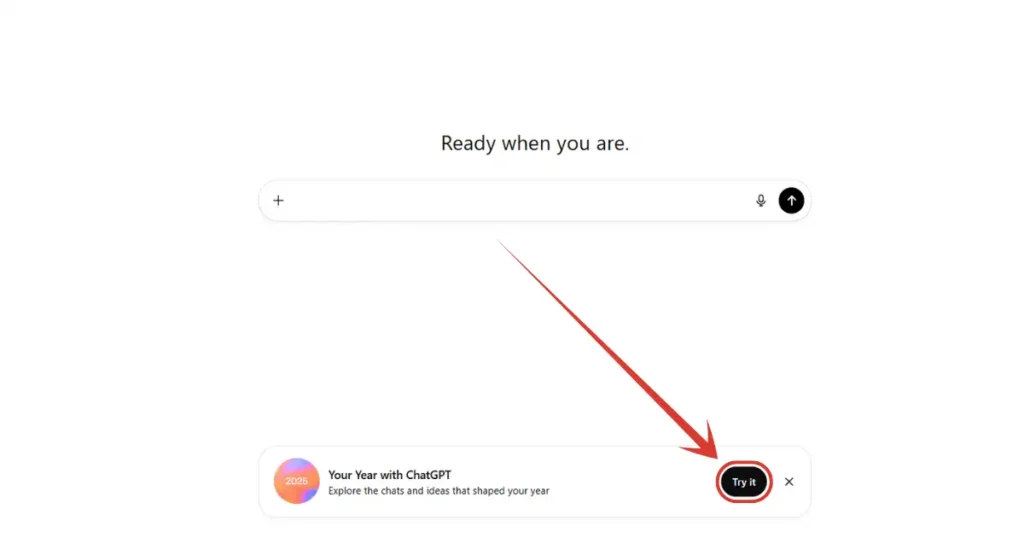
4. If you don’t see the “Try it” banner in the bottom, you can trigger the same event by prompting ChatGPT directly. Just write “Your or My year with ChatGPT” and hit enter.
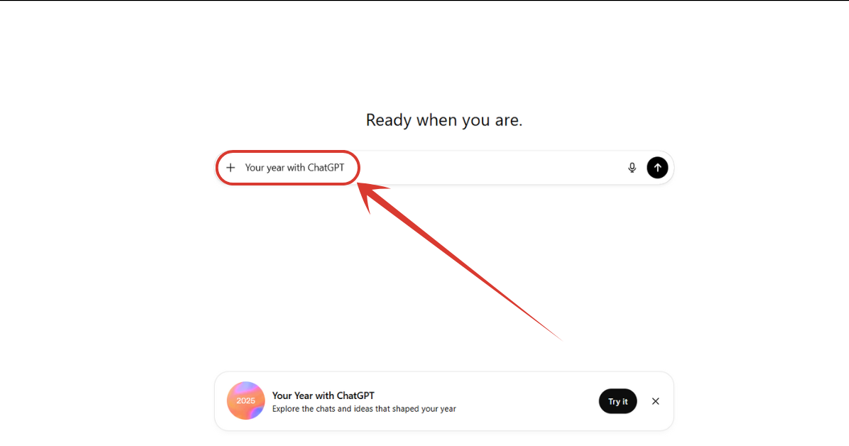
5. Now all you need to do is wait. It can take up to an hour to generate your recap with ChatGPT. So instead of waiting, involve yourself in any other work in the meantime. You will be notified once it’s done.
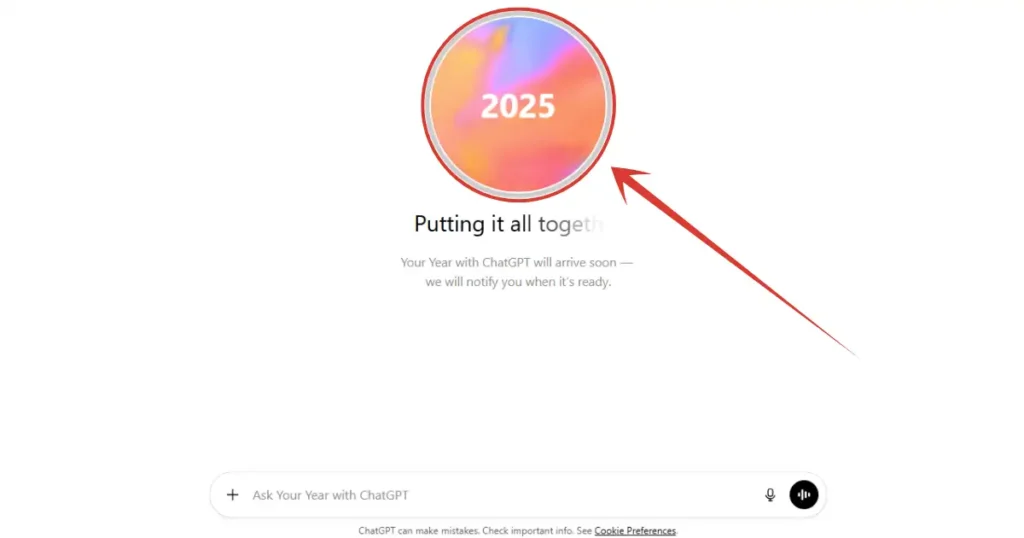
6. Finally, after more than an hour my year with ChatGPT is ready to see. All I need to do is just click on “Get started” button.
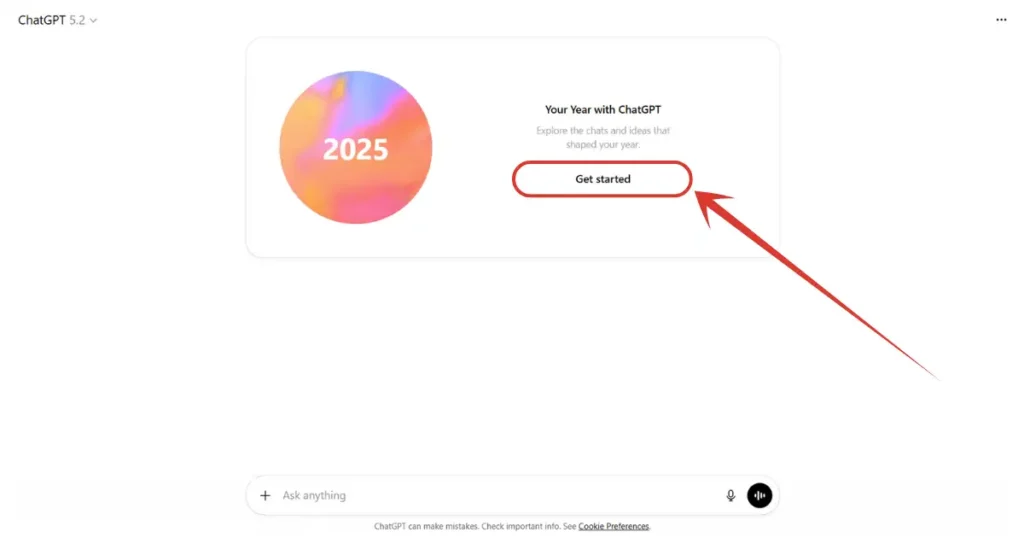
7. After clicking on “Get started” button, a window like this will open.
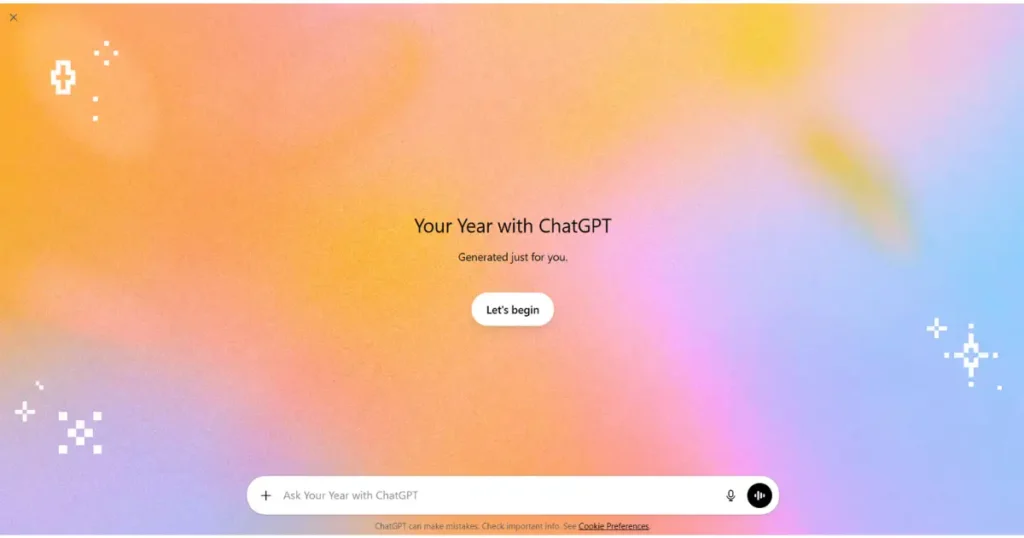
8. Here you have to click on “Let’s begin” button.
● How to Use skills.google: A Step-by-Step Tutorial
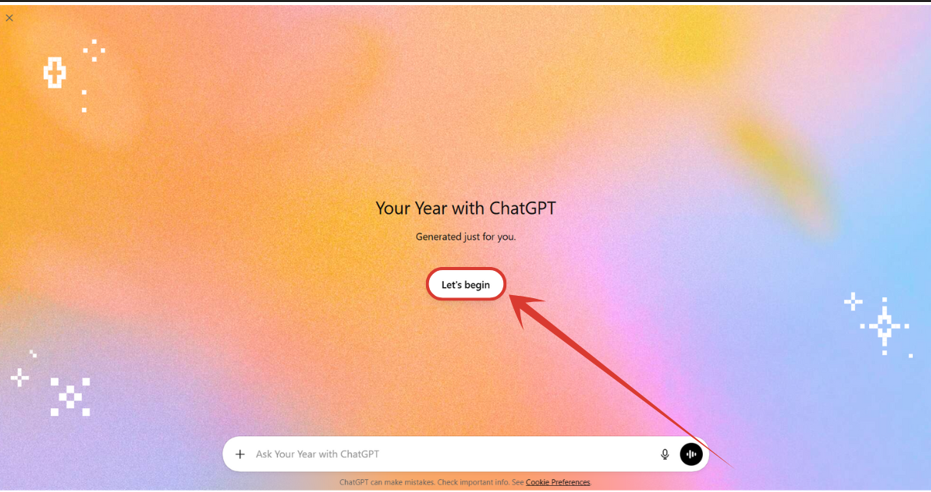
9. And guess what, I got my whole year’s recap in a poetry. I can’t show what it provided me with, but it truly was good.
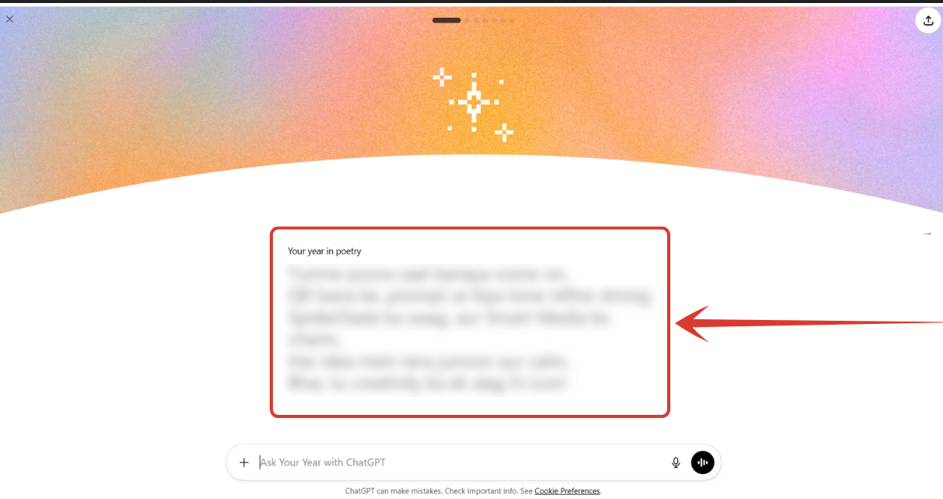
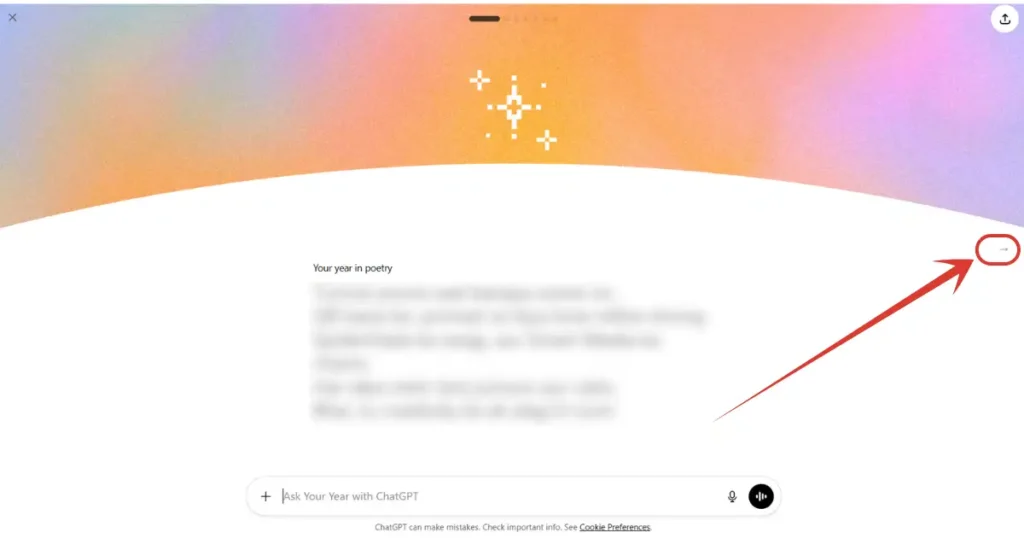
10. You see there is an arrow mark for the next slide. Click on it and walk on the next slide.
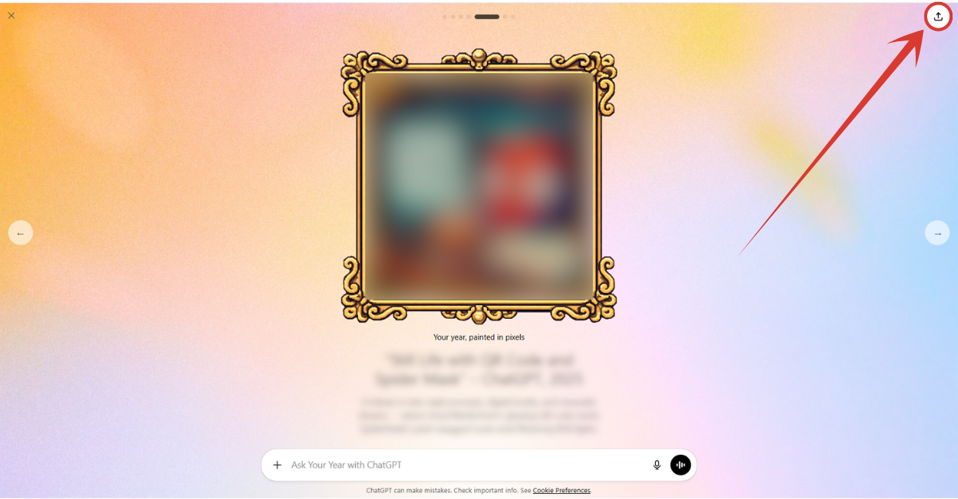
11. In this slide, you will get info like what was your chattiest day, total chats done, total images generated, total messages sent and so on. By the way, you can share & download this too by clicking the arrow mark on right top side.
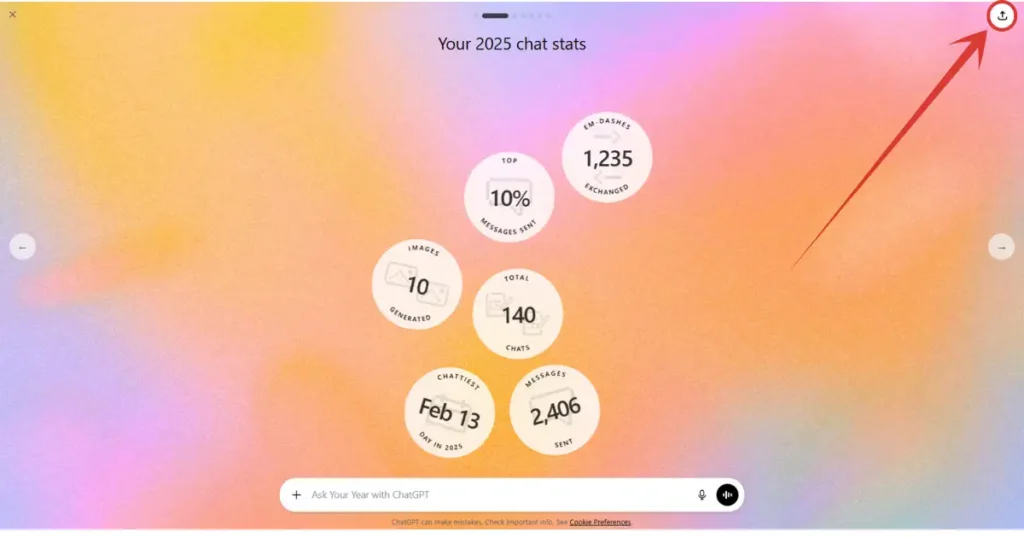
12. Right now I am at the fifth slide, and I really like this one where ChatGPT visually displayed my whole year’s stuff. And it actually is looking good.
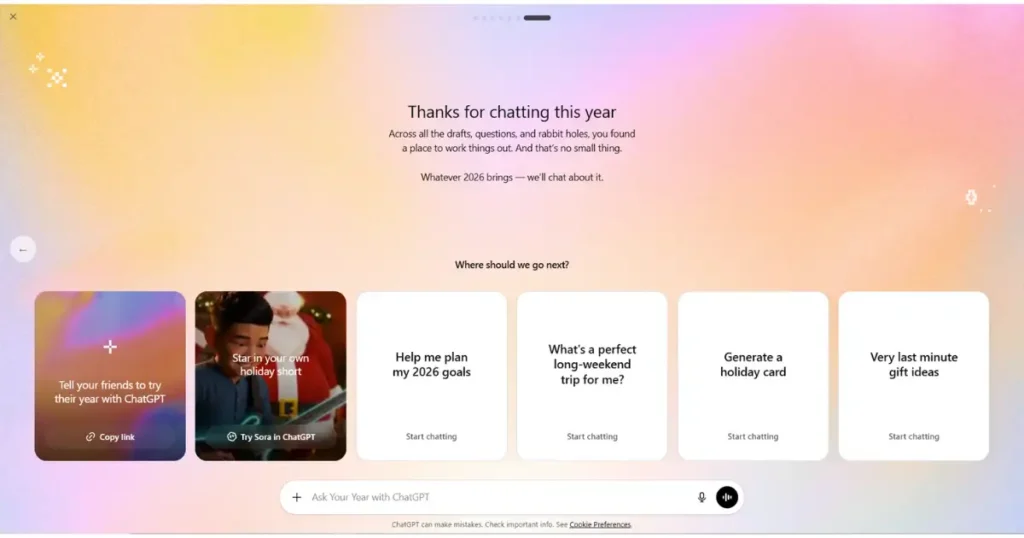
13. And below is the last slide where ChatGPT will thank you for chatting with it this year. You can also ask more questions and explore further my asking about your past year.
● How to Use Canva’s New AI Magic BG Feature? Step by Step Tutorial
NOTE: If you want to get your year recap on your smartphone, just install or update ChatGPT’s app to latest version. Update to ChatGPT Go if you haven’t yet. And prompt ChatGPT this “My ChatGPT year recap” and tap on the arrow button to initiate the request, and you are done.
People Also Ask:
ChatGPT’s “Your Year with ChatGPT” is a fun, personalized summary of your 2025 chats, showing stats like most active days, top topics, message totals, and cool extras like poems or art you made.
It’s simple, just head to ChatGPT, you will see a banner in the bottom area regarding the recap. Just click on it. If you don’t see anything in the bottom, just prompt ChatGPT “My year recap with ChatGPT” and hit enter, this will trigger the same event. Now all you need to do is wait as it can take up to an hour based on your overall data.
Yes. No matter you are using ChatGPT’s app on your smartphone or using it on web, you must upgrade your plan to at least ChatGPT Go in order to avail this feature.
Yes. This feature is available for both mobile app and website. And the steps are nearly the same. Just open the ChatGPT app, either click on the recap banner shown by ChatGPT itself, or just prompt it with “My year recap with ChatGPT” and hit go.
Conclusion
Getting your ChatGPT Year Recap is simple if you follow the right steps.
You just need to upgrade to ChatGPT Go, wait for the recap to generate, and enjoy your full year summary.
The recap shows useful stats and creative slides that make it fun to see your past chats.
Whether you use ChatGPT on your phone or computer, this feature is easy to access and worth checking out.




Leave a Reply