


Gemini 3.0 is rolling out, and it’s capabilities will indeed be exceptional. As we already have seen the expertise of Gemini 2.5 Pro in coding and other reasoning tasks, the new version will surely shock the industry.
However, Gemini 3.0 hasn’t yet launched broadly, yet many pro and enterprise subscribers are getting it’s access.
It’s yesterday itself when I found that there is a trick to use Gemini 3.0 secretly in your Gemini App.
This guide will show a step by step tutorial that how to access Gemini 3.0 behind the scene while on the front end, it hasn’t yet labeled with it.
Key Takeaways
- As of now, this method only works in Gemini mobile app. So you will be in need of it.
- You have to select Gemini 2.5 Pro with Canvas enabled, which behind the scene activates Gemini 3.0.
- While not labeled yet at the front end, many sources have reported that doing this actually enables Gemini 3.0 in the backend.
Before getting started with the tutorial, there are some important points to be cleared. This isn’t any kind of secret trick or hack to use Gemini 3.0 without it’s consent, instead, you can consider it as a silent release which is also known as Shadow Release.
While the desktop version still runs on Gemini 2.5 Pro for most users, this silent rollout as of now is only accessible for mobile phone users via Gemini app, and is not happening on PCs or desktop web versions.
Let’s get started with the step by step tutorial now on how to use Gemini 3.0 from Gemini app in your smartphone right away, so make sure you install the app if haven’t yet.
STEP BY STEP TUTORIAL
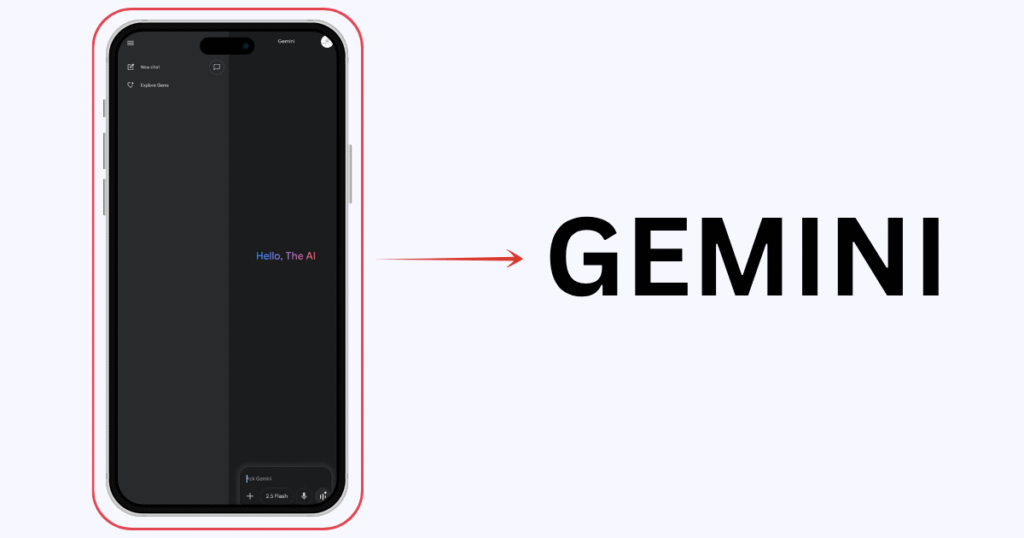
1. Open Gemini app in your smartphone Android / iPhone (iOS).
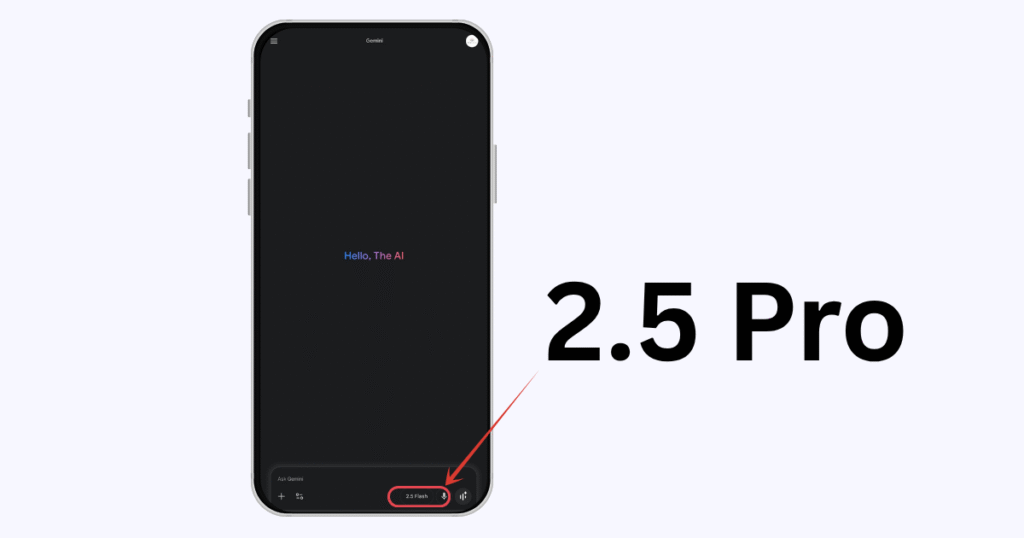
2. Tap here, where you can switch between the models.
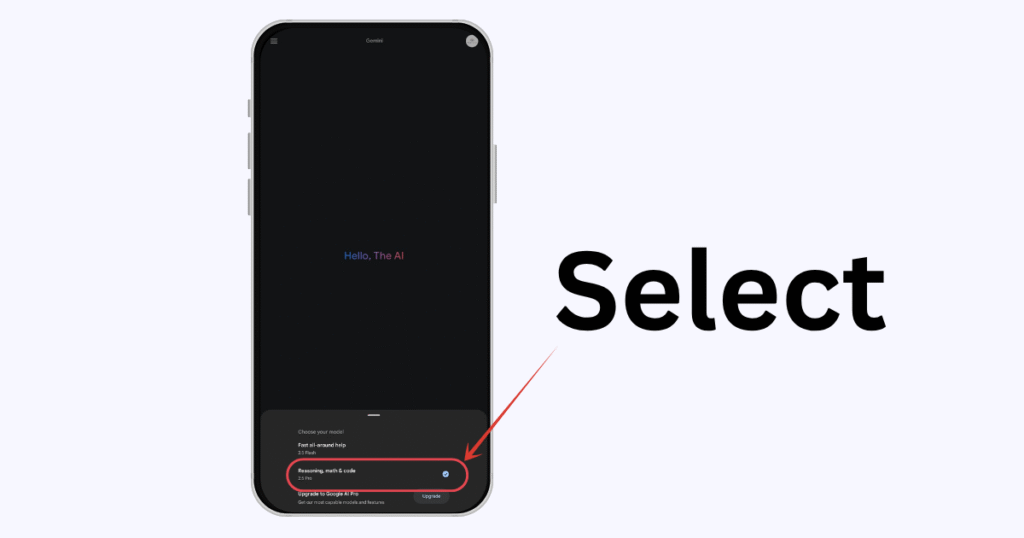
3. Select Gemini 2.5 Pro model.
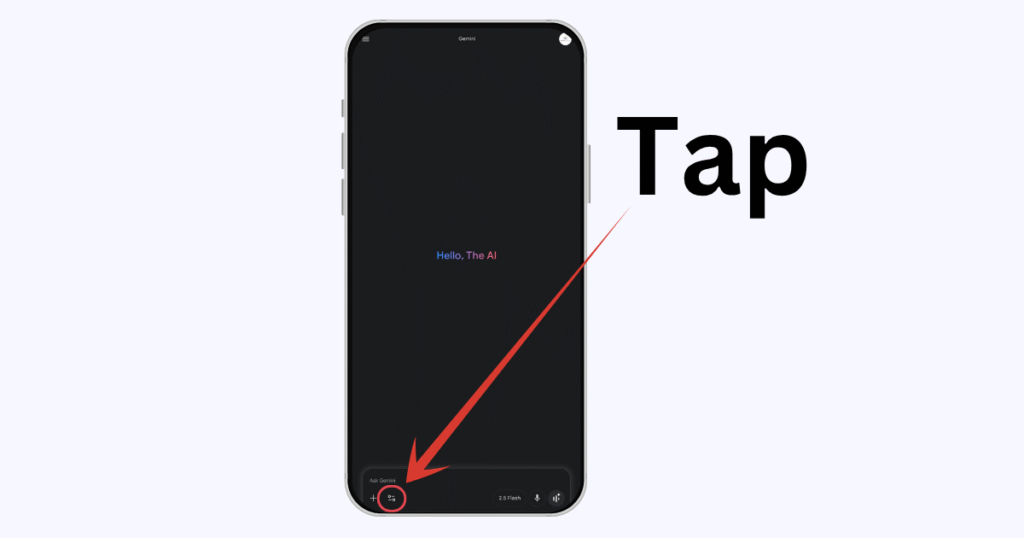
4. Then tap here on tools.
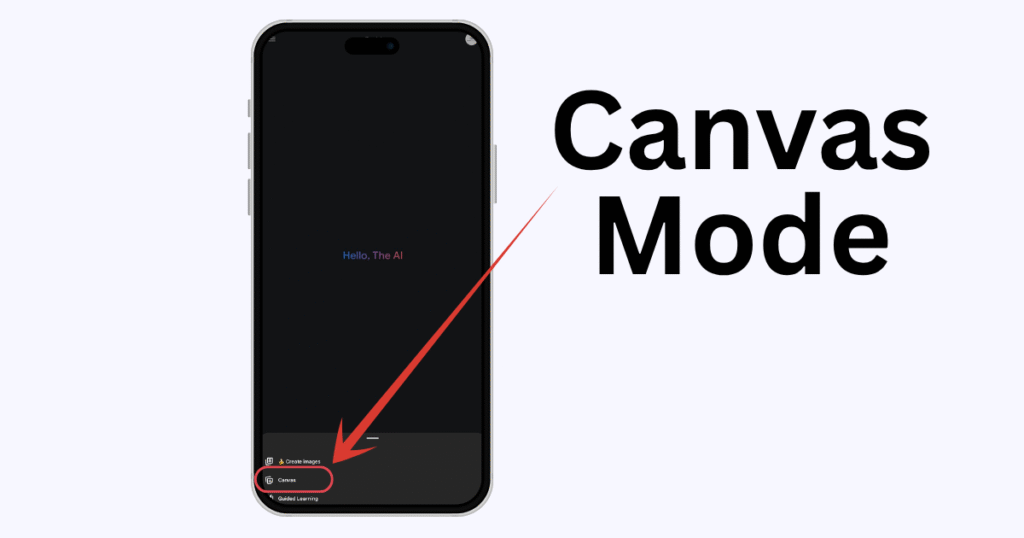
5. Tap on Canvas, which will enable the Canvas mode.
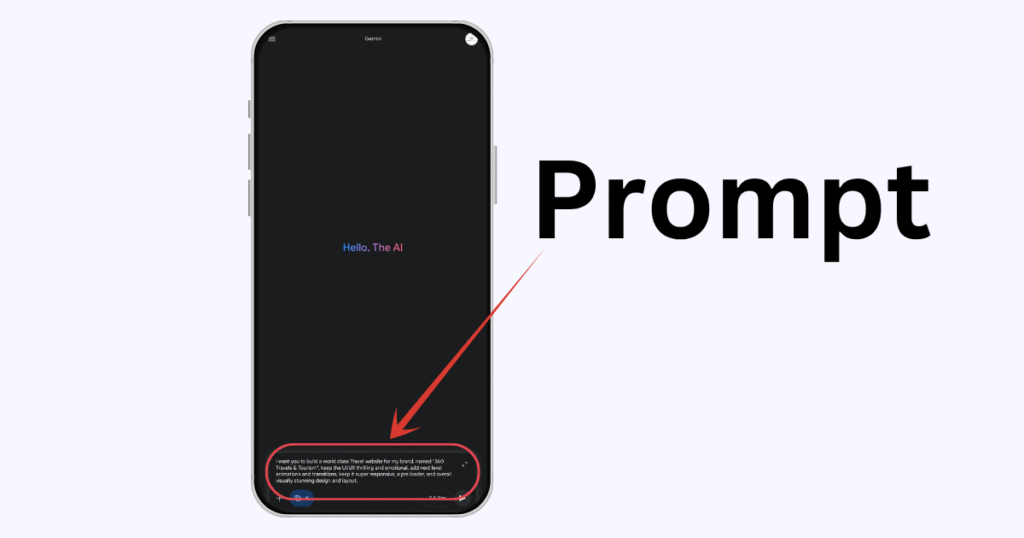
6. Now, you are all set. Just write your prompt and get an output from the latest model of Google Gemini 3.0.
I have attached the project link below to have a look at what it generated when I prompted it to.
Project Link: https://g.co/gemini/share/9ca674a56152
Sources:
Source 1: https://androidsage.com/2025/11/13/google-gemini-3-rollout/
Source 2: https://apidog.com/blog/gemini-3-0-shadow-release/
Conclusion
Google’s quiet rollout of Gemini 3.0 through the mobile app marks an exciting step forward in its AI technology. Even though it’s not officially labeled yet, turning on Canvas in Gemini 2.5 Pro seems to unlock some of the new model’s features.
This slow and careful release appears to be part of Google’s plan to test and refine the update before a full launch.
For now, mobile users get an early peek at Gemini 3.0’s improved reasoning, creativity, and coding skills. Once it rolls out widely, these early users will already know how powerful and game-changing this new version can be.
Also Read:
How to Use Sora 2 in Any Country? Step by Step Tutorial
People Also Ask
Google can change how models are routed in the backend at any time, so this Canvas-based method may stop enabling Gemini 3.0 as the rollout evolves or becomes official. If that happens, the Gemini app will likely update the model options or labels to reflect the new behavior.
There is no clear public label for Gemini 3.0 yet in the app, so the difference is usually noticed through behavior: more consistent reasoning, better coding help, and faster or more accurate responses in complex tasks. Users should treat it as an experimental experience rather than a guaranteed version tag.
Even if Gemini 3.0 is enabled in the background, users should follow the same safety rules as with any AI model and avoid sharing highly sensitive personal, financial, or confidential work information. Always review Google’s data usage and privacy terms for Gemini and only input data that you are comfortable sharing.
Early access can help power users test new capabilities, refine workflows, and create content or tools before others. However, performance and behavior might still change as Google fine‑tunes Gemini 3.0 during the shadow release phase.
If you are on a paid or quota‑based plan, usage is typically billed by tokens, not by which “shadow” model is active in the backend. It is smart to monitor your usage and plan type, because more experimentation with advanced models often means more token consumption.
First, update the Gemini app to the latest version from the Play Store or App Store. If Canvas is still missing, it may not be rolled out to your account, region, or device yet, so you might need to wait until Google expands availability.
For light experimentation, drafts, and idea generation it can be very helpful, but for mission‑critical or client‑facing deliverables you should always review outputs carefully. Treat it as an early-access tool rather than a fully documented, stable production feature.
Shadow or silent rollouts are usually not heavily promoted until Google is ready for a broader announcement. Users should expect that official documentation and labels will arrive later, once the company is confident in performance and scale.




Leave a Reply