


Sora 2, a newly introduced sequence of Sora by OpenAI seems actually wipe the line between the reality and artificial world. Ever since it’s videos gone viral on social media, it has become nearly impossible to say whether it’s real or made by AI, and the same is the reason it’s becoming popular so fast.
All the AI video generating tools including Veo 3.1 and Kling 2.5 Turbo seems far away to even touch the level of realism where Sora 2 is standing.
But the sad news is that its rollout is still limited to a few countries. The USA and Canada were the first to officially get this masterpiece, and countries like Japan, Korea, Taiwan, Thailand, and Vietnam also have access to download the app and use Sora 2.
But no worries, in this tutorial, will see how can we access & use it from any place in the world, plus, you will get an Invite Code too as you go through this tutorial, as one must enter the Invite Code in order to access & start generating videos on Sora 2.
Key Takeaways:
- Sora 2 is not globally available, but users can still access it from unsupported regions with a VPN.
- An invite code is mandatory to unlock Sora 2 and start generating videos.
- Using a browser-based VPN extension limits the connection to one window, keeping the rest of your system unaffected.
- Sora 2 currently outperforms other AI video tools in terms of realism and quality.
- A simple setup process—VPN, login, invite code—allows anyone worldwide to begin creating videos within minutes.
Step by Step Tutorial:
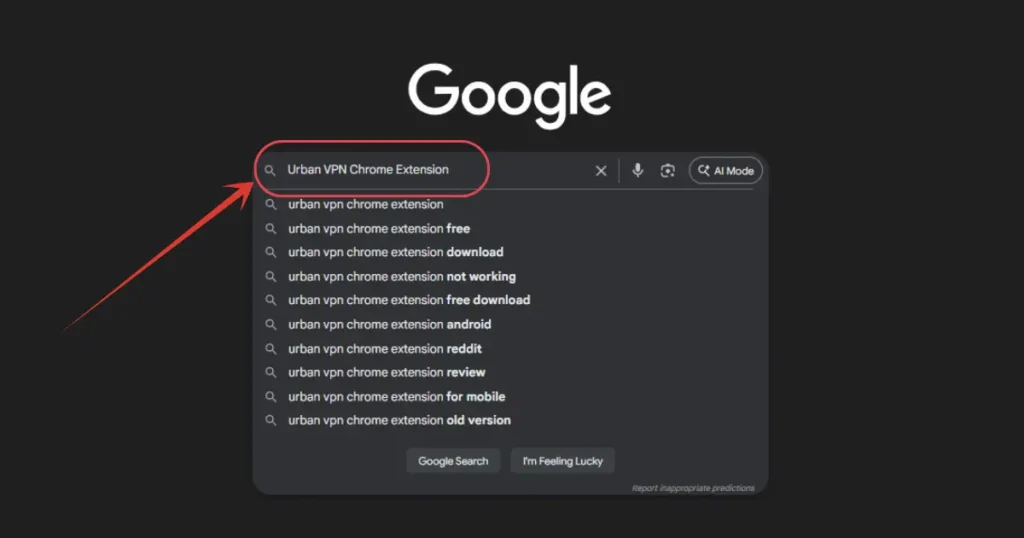
1. First, you will be in need of a VPN. I will be using Urban VPN chrome extension in my PC, so first I will go to Google and search for “Urban VPN Chrome Extension”.
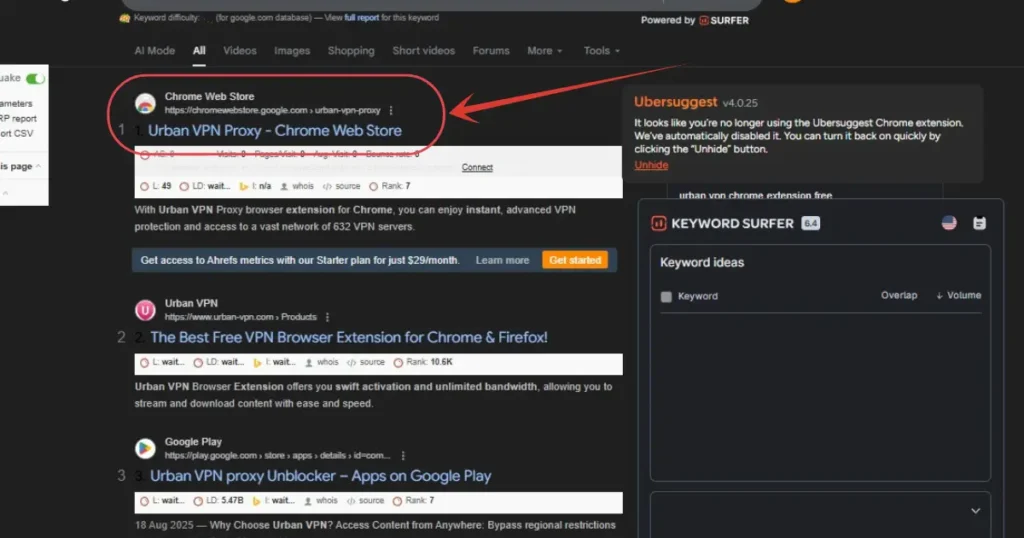
2. Here click on the first website.
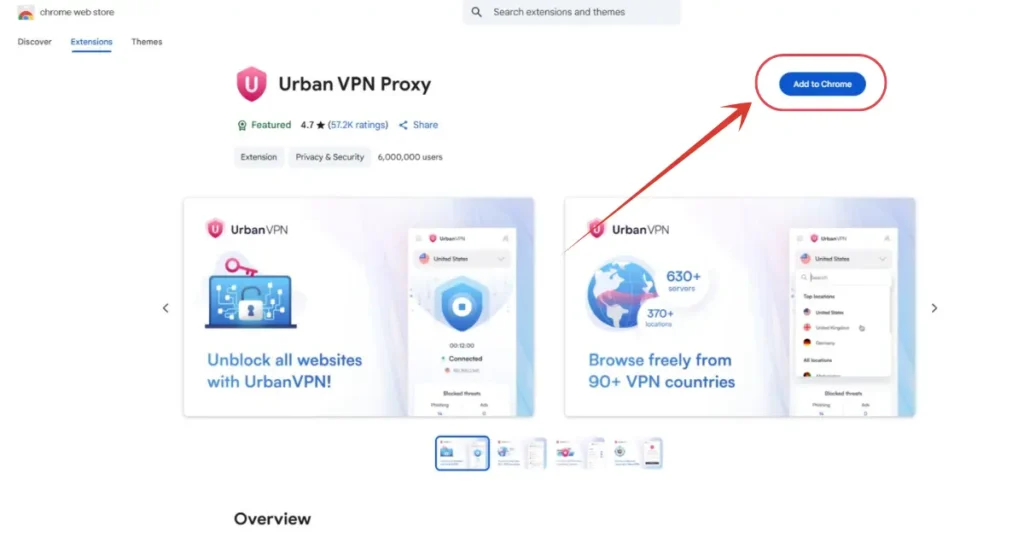
3. Click on “Add to Chrome” button.
And now you are set with the VPN. The reason I installed a Chrome Extension instead of installing a software directly is, if you activate the VPN using the software, then the entire computer will be connected to the pointed location.
But if you turn on the VPN within a Chrome profile, then it will only cover that particular window, not entire computer.
Yet, it depends on your convenient, so do whatever you feel easy.
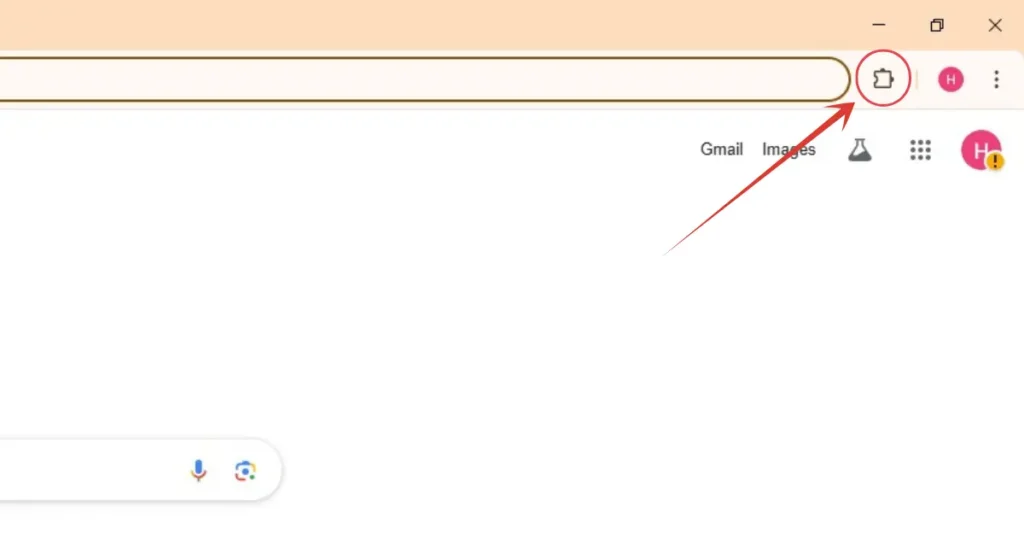
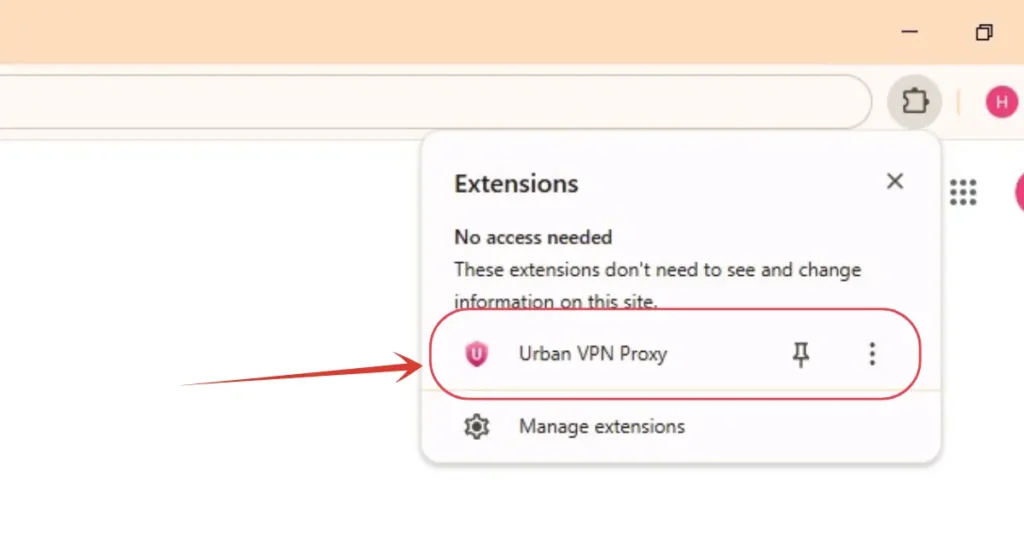
4. Now, click on extension symbol upper right side, and select Urban VPN. And it will start it’s window for the configuration.
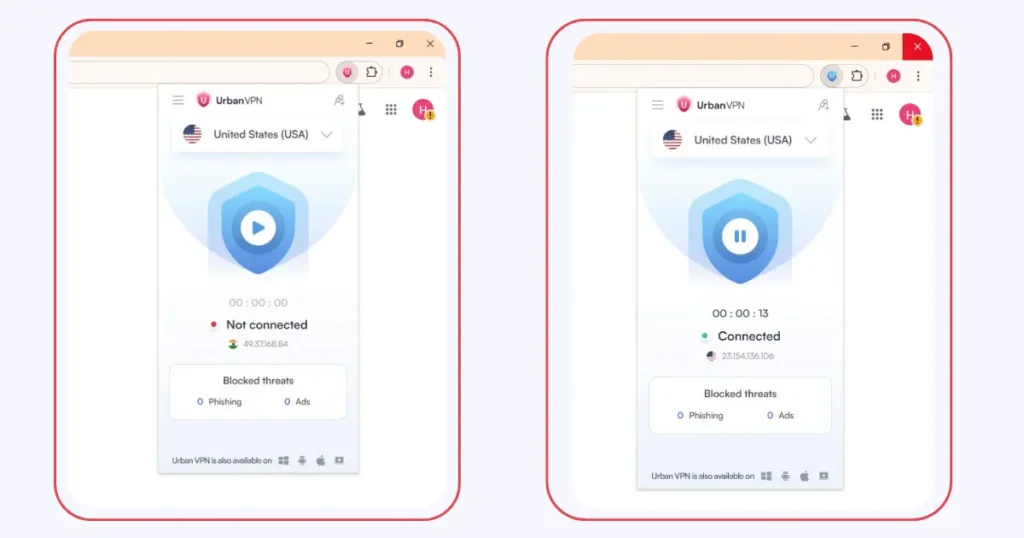
5. As default it will be pointed to USA itself, but if it isn’t, set the location to USA, and hit this button, and wait for the connection.
Now as you can see, it’s successfully connected to USA.
6. Now go to https://sora.chatgpt.com website.
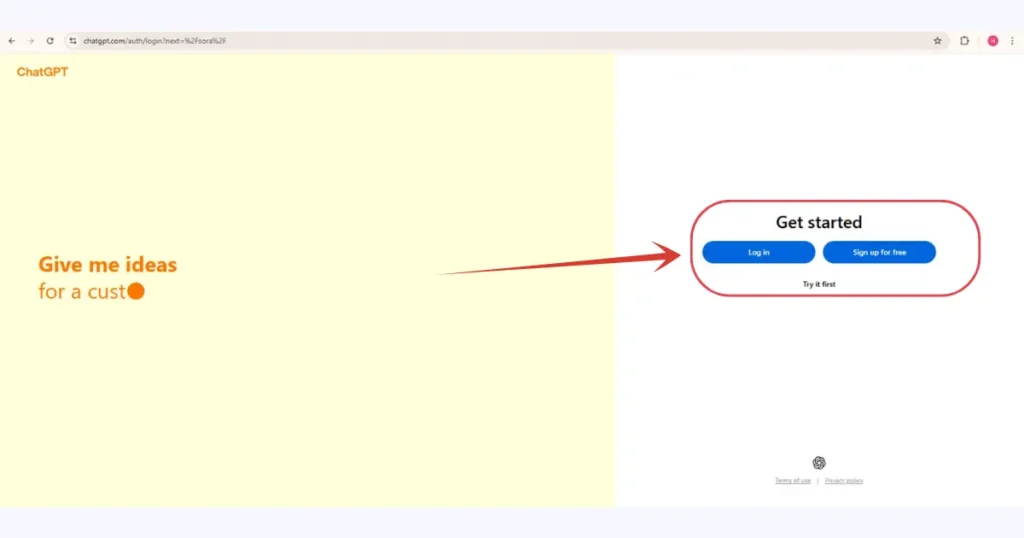
7. Now, it will ask to sign up or sign in, complete this setup with your ChatGPT account. Or create a fresh one instead with Google as your convenience.
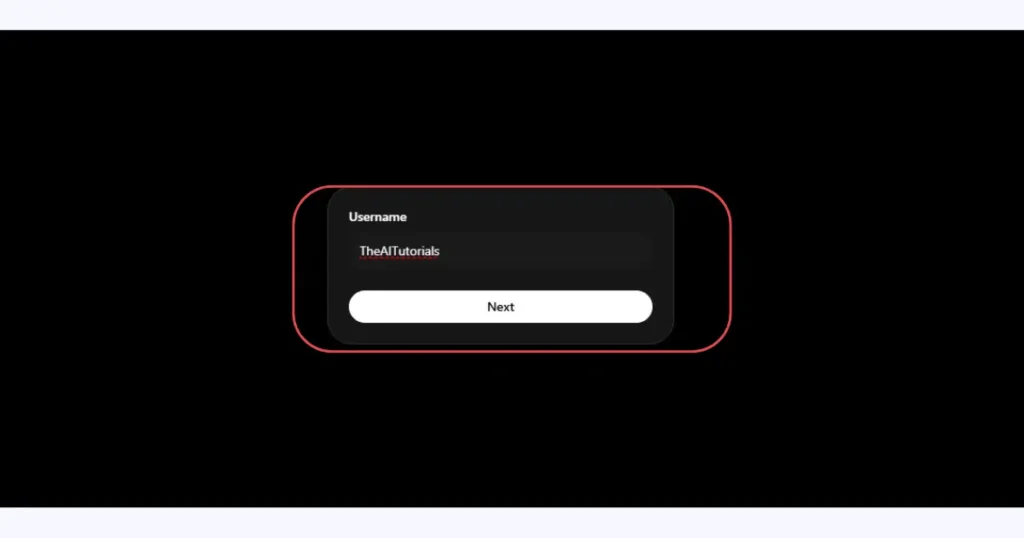
8. Once you are in, you will see a window like this, where you have to enter your username, enter it and click next.
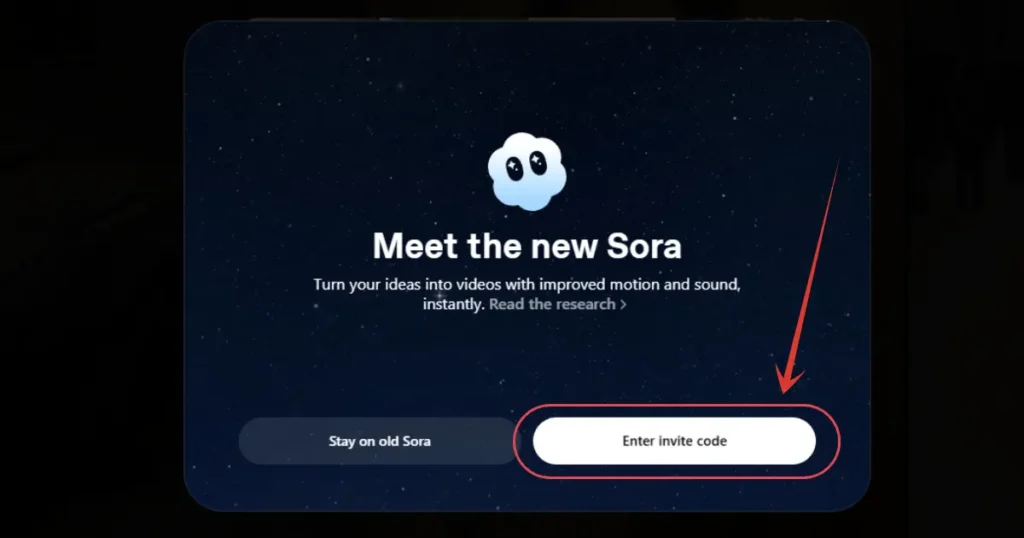
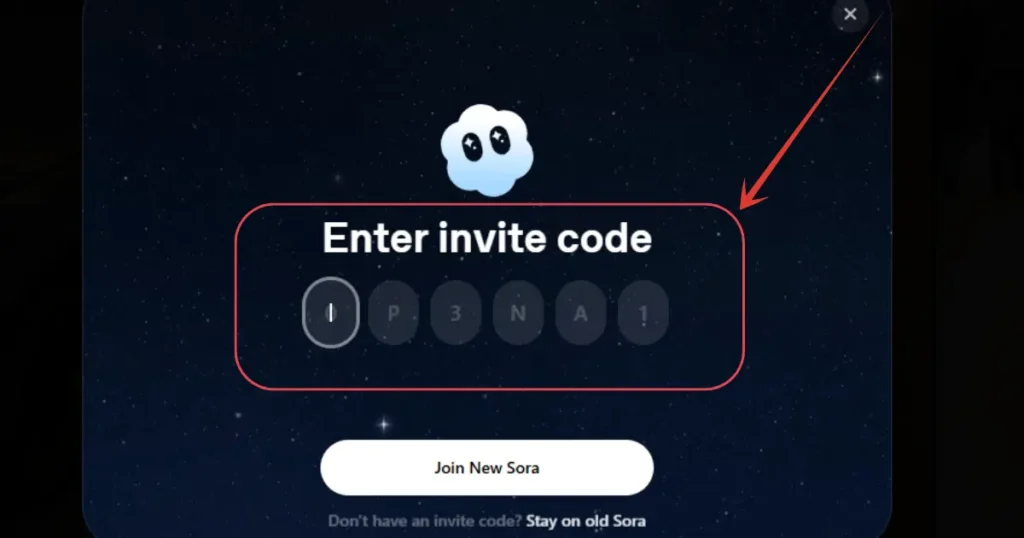
9. As said earlier, you will be in need of an Invite Code in order to access Sora 2. You will get the codes from Sora 2’s official Discord account, forums or from your friends.
As of now, you can use this 9TC722, but one code works for just 6 persons, so if it didn’t work, then don’t be sad, check on Sora 2’s official Discord, or watch a YouTube videos as I cannot give much codes here.
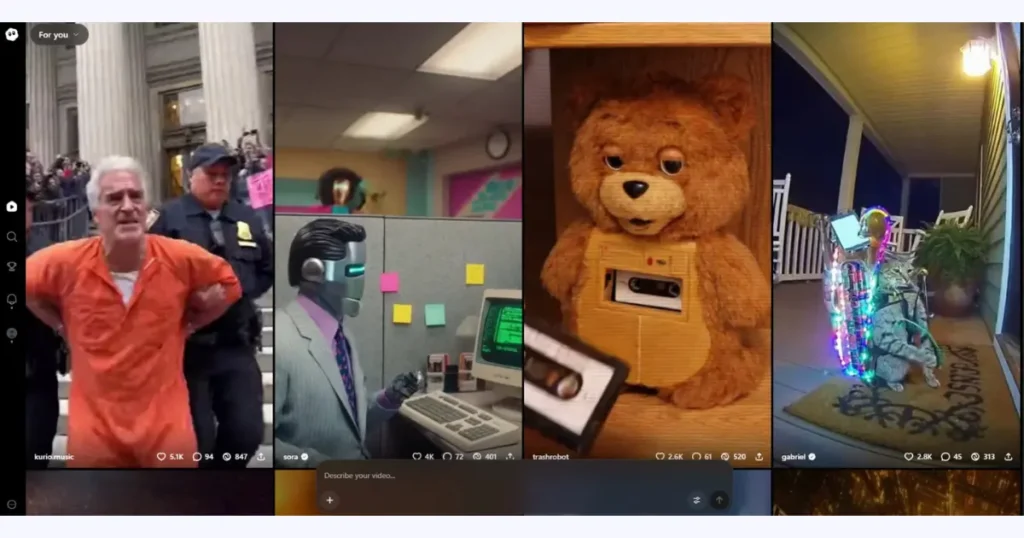
10. Once your code inserted and validated, you are all set to use Sora 2. This is how Sora 2’s feed looks, you can see creations for other users as well, and create your own.
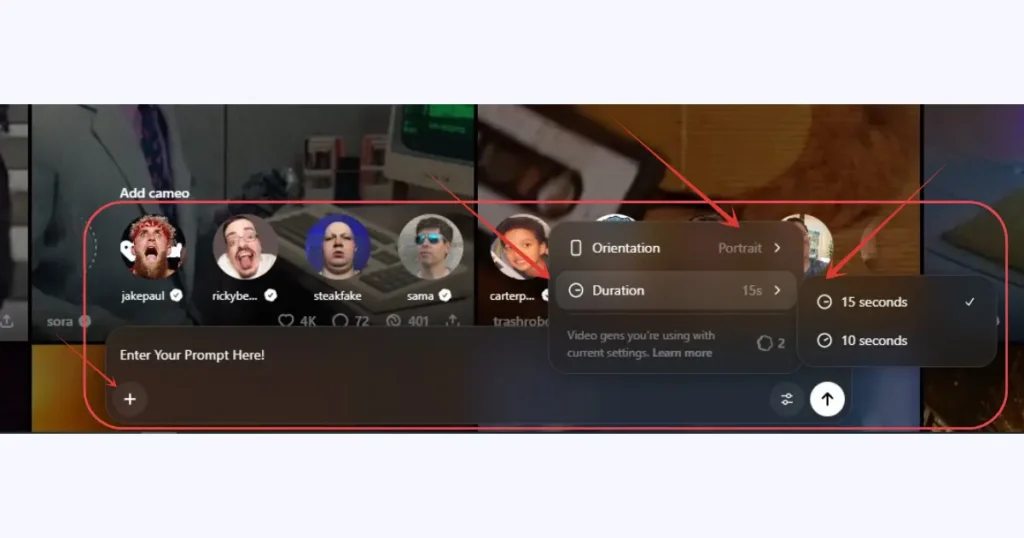
11. Enter prompt, select aspect ratio, choose the duration, attach any file if required, and hit enter. And within few minutes, your video will be ready.
Also Read:
How to Claim ChatGPT Go for Free? Step by Step TutorialHow to Use Gemini 3.0 Secretly in Your Smartphone? Step by Step Guide
People Also Ask:
Sora 2 is officially available in the USA and Canada, with app access also extended to Japan, Korea, Taiwan, Thailand, and Vietnam. Other regions must wait for the global rollout.
You can use Sora 2 outside the US by connecting to a U.S. VPN server, visiting the Sora website, signing in with your ChatGPT account, and entering a valid Invite Code. Once verified, the full interface becomes accessible.
Sora 2 is not officially available in India yet. However, users in India can still access it using a VPN set to the USA along with a working Invite Code.
Yes. A VPN is currently the most effective way to access Sora 2 from unsupported countries. Connecting through a U.S. server allows the website and app to load normally, but you’ll still need an invite code to start generating videos.
Conclusion
Sora 2 is quickly setting a new standard for ultra-realistic AI videos, even though it’s still available in only a few places. The upside is that you can still get in from anywhere by using a U.S. VPN and an invite code.
Once you’re connected, you can jump right in and start making impressive videos. Whether you’re just curious or planning something serious, this guide makes the whole process simple and easy to follow.




Leave a Reply